
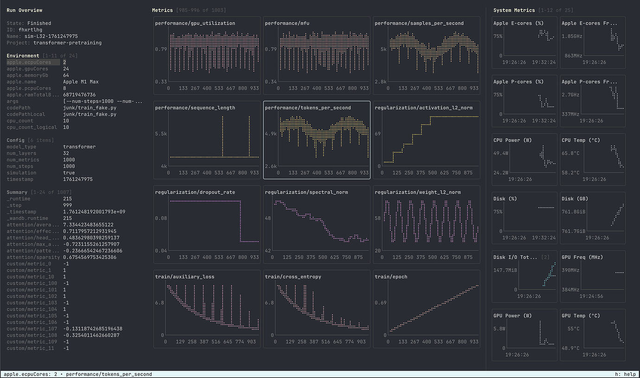
After building a reasonably complete Sortal contacts manager and trying out OxCaml's Bonsai_term, I thought I'd have a second go at a terminal UI using a newly announced Mosaic library by Thibaut Mattio.
I first noticed this library when Thibaut presented his OCaml coding with AI talk at FunOCaml. It's quite different from Bonsai in that Mosaic uses OCaml's effects to provide a more direct-style API, and so seems worth experimenting with. So today's task is to port Sortal to use Mosaic and see what this terminal UI looks like!

1 Approach
The environmental setup for Mosaic was similarly complicated to yesterday's with Bonsai, but for different reasons. Mosaic requires OCaml 5.4.0 or higher, so I had to relax some constraints in dependent packages. But it also requires pinning vendored packages, which I did manually (specifically, the vendored tree-sitter package). I later automated this vendoring with unpac.
Once this manual package messing was done, the rest was straightforward. I left my remote Linux system vibing with access to all the relevant source code (important since this is a bleeding edge package so the parametric memory of the agent will know nothing about it). Luckily, the interaction between Eio and Mosaic is far easier, so we ended up with a single-process OCaml binary for the TUI; a relief after yesterday's JSON-RPC gymnastics.
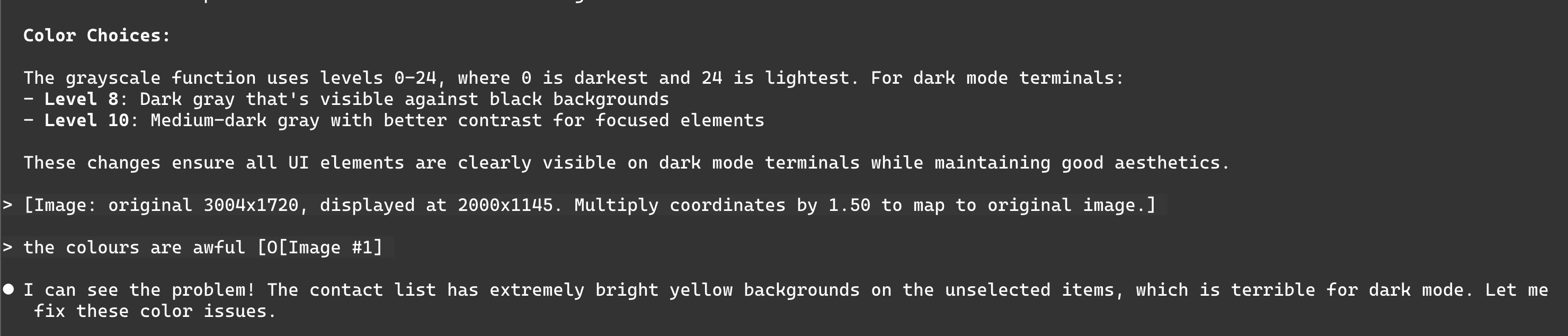
Once again, the ability to paste in images is key to debugging terminal UIs. I wish I had the time to automate this via a skill, but I'll come back to this later in the month perhaps.
2 Results
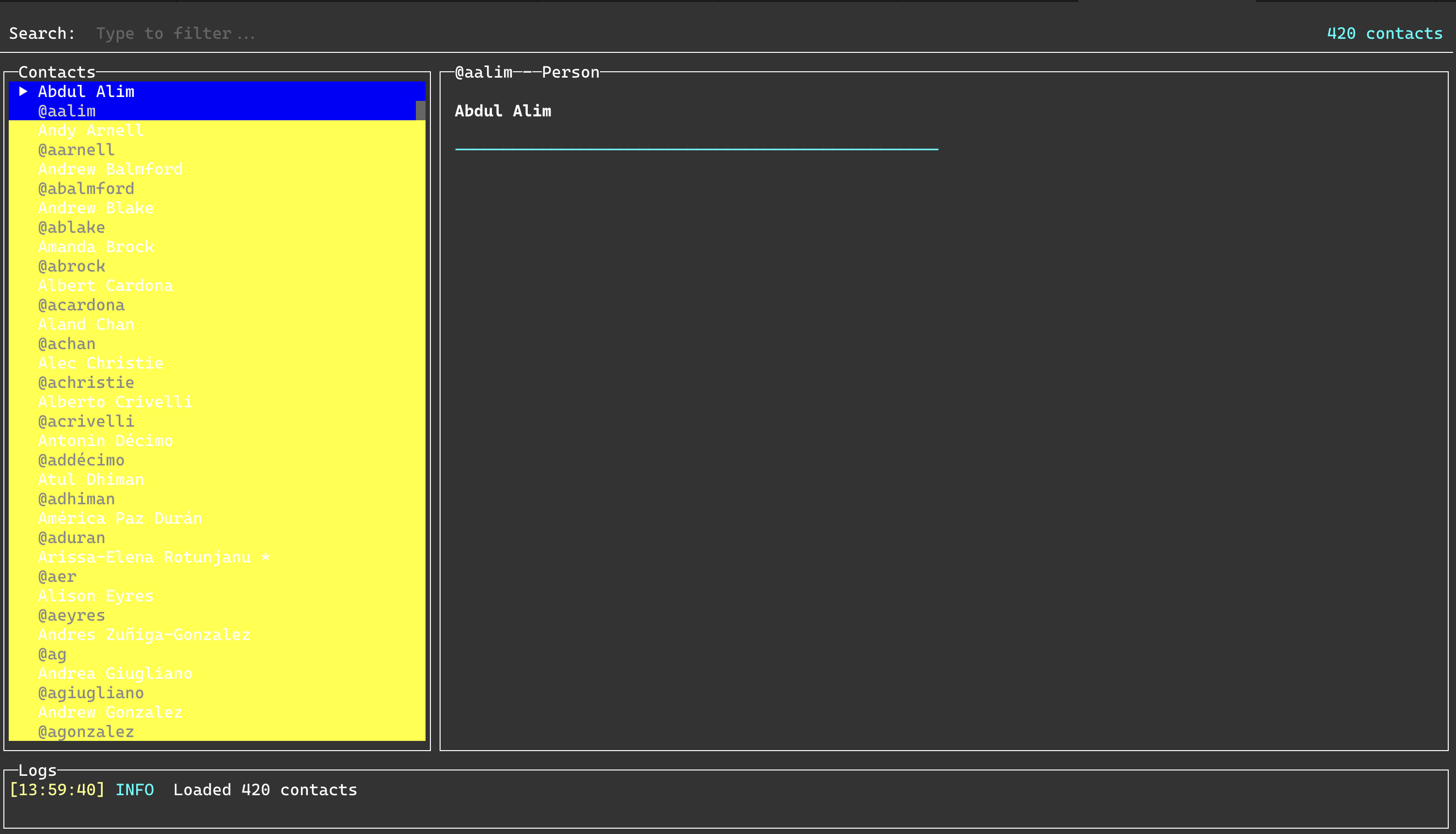
The working terminal application was far simpler than the earlier Bonsai version by virtue of being a single binary. In fact, the code is pretty readable and lives in a single file. Like with Bonsai, what really helped was specifying that the agent should use the Tea example components as inspiration, and it used those to both fix the theming but also introduced Markdown rendering to make the default UI look really smart.
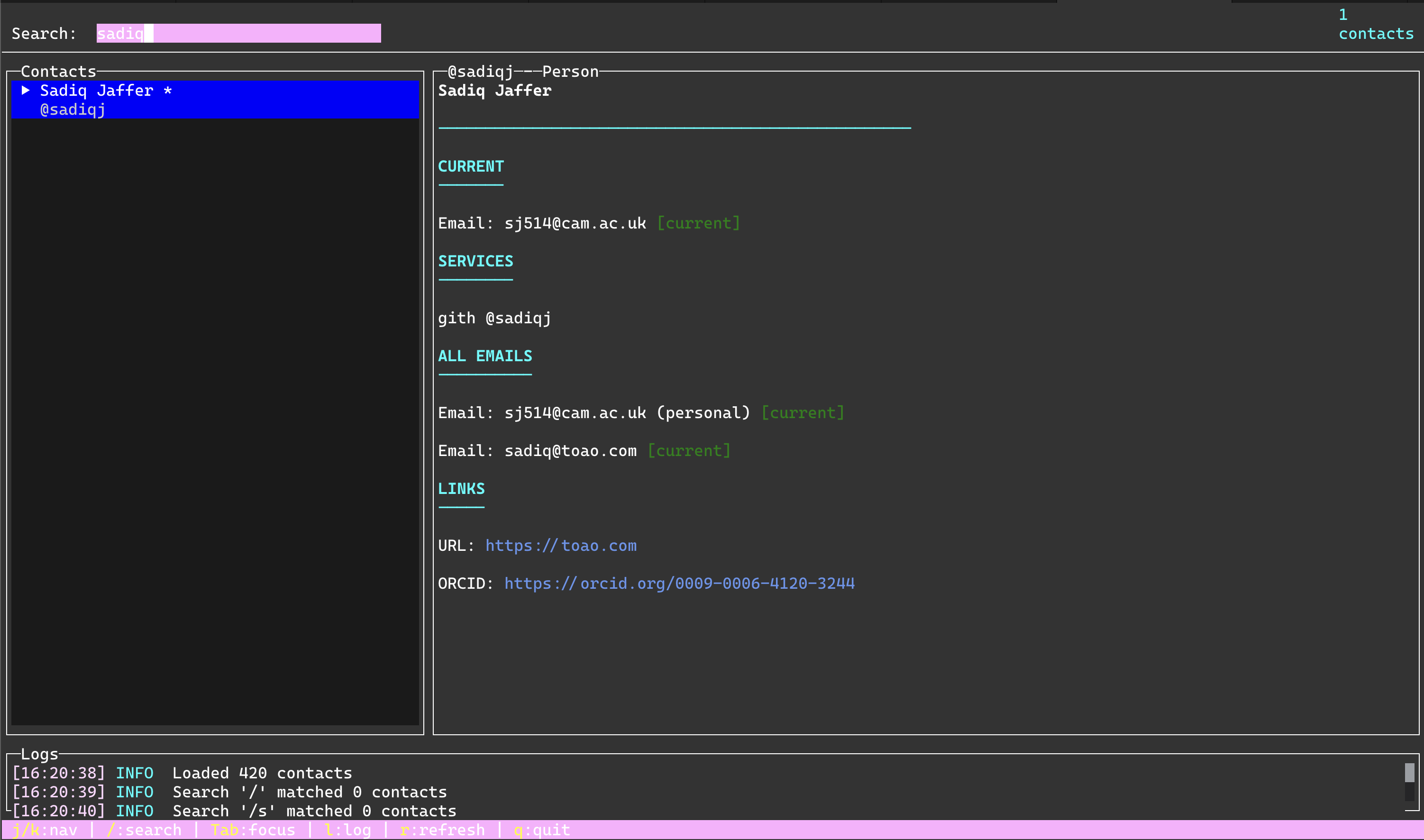
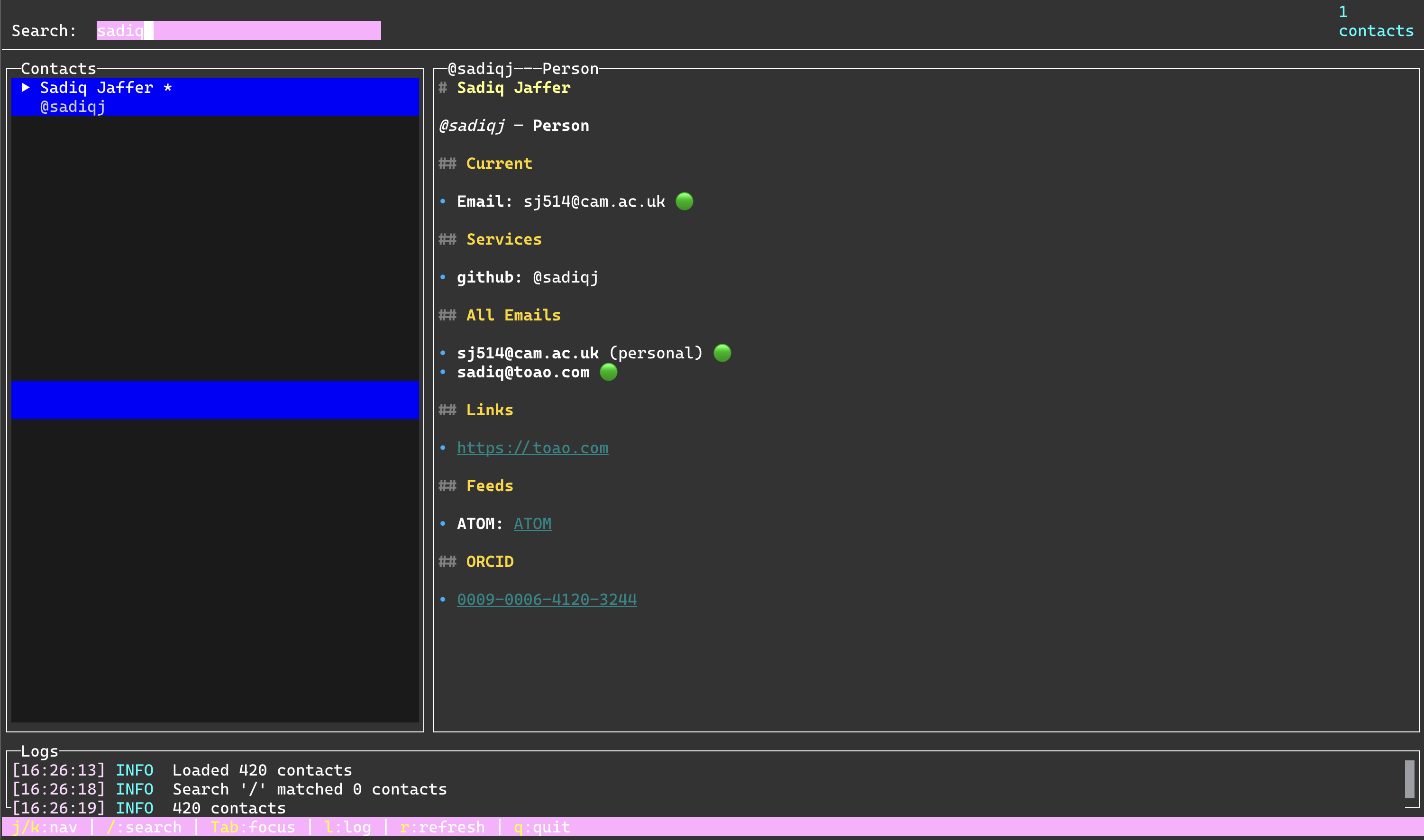
There was also an amusing keybinding bug that both Bonsai and Mosaic suffered from in the first cut of the agent code. When I searched for "/sadiq" it would crash consistently on the last letter of his name. Why?!! About 15 minutes of debugging code ensued, but at one point I realised that "q" was also the "quit" keybinding, and the app was just exiting cleanly. The agent didn't spot this at all, so some human intuition was useful in building the UI logic!
3 Reflections
This Mosaic terminal is also very usable, and some things like terminal mouse clicking works too. It's less plug-and-play than Bonsai in the longer term as I'll have to build more components like text editors. However, the easier integration with the wider OCaml ecosystem really helps here since there is only one problem to solve ("build me a TUI against an existing data model") rather than two ("port all your dependencies to OxCaml") as well.
Both of these TUIs will require more focussed attention from me to learn their data models and rendering logic; neither Bonsai nor Mosaic particularly benefited from asking the agent to explain their core architectures to me. Only excellent human-written documentation will achieve that.
I am very tempted to build a Claudeio TUI using Mosaic as one of the future advent day projects, though! But tomorrow, I'm going to switch gears in Day 11 and work on HTTP cookies towards a HTTP downloader tool.